
Chrome
DesktopAvailable
Chrome Web Store · version 9.1.0
RULYX
Analyze your scenario and check your plan right from your browser.
A Checkpoint against your rules, without signals or broker orders.
Detecting your browser…
Chrome and Firefox are available in their official stores. Edge and Opera can use the Chrome Web Store listing, depending on their configuration.
Available
Chrome Web Store · version 9.1.0
Available
Firefox Add-ons · version 9.1.1
Compatible
Edge may ask you to allow extensions from other stores.
Compatible
Opera supports Chrome extensions; an extra step may be needed depending on the version. Rulyx has not been officially validated on Opera yet.
If Opera asks, first install the “Install Chrome extensions” add-on from Opera Add-ons, then return to the Chrome Web Store listing.
Official Opera guideFor QA or support only. For Chrome and Firefox, use their official stores. Chromium package: version 9.1.0.
Fallback only: the Chrome Web Store listing is recommended.
Download Chrome packageFallback only: the Chrome Web Store listing is recommended.
Download Edge packageTest fallback only: Firefox removes this add-on on restart. For a signed permanent installation, use Firefox Add-ons above.
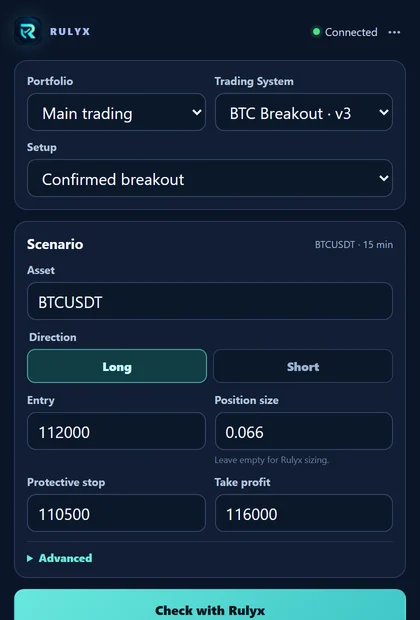
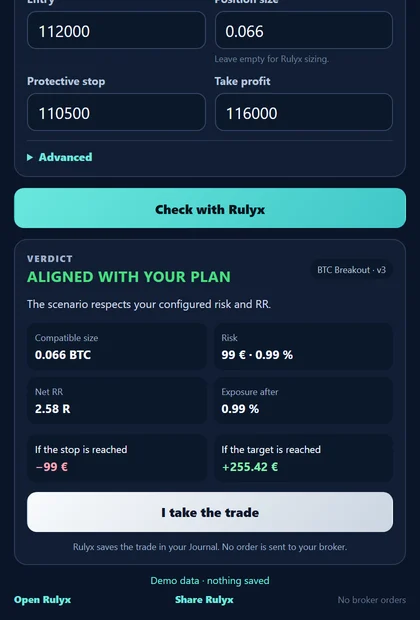
Download Firefox test packageReal screenshots of the Rulyx popup with demo data.
Contact Rulyx Support if the extension does not load or sign-in fails.